



























Home Tech AV Access Review: Powerful Connectivity Solutions for Modern Work and Entertainment Setups

AV Access Review: Powerful Connectivity Solutions for Modern Work and Entertainment Setups

As computers, gaming consoles, monitors, streaming equipment, and other digital devices become increasingly interconnected, having the right connectivity hardware can make a major difference. Managing multiple computers from one workstation, extending a video signal across a room, or maintaining high-resolution performance without excessive cables all require equipment that can handle demanding modern setups. This is where AV Access has established a particularly interesting presence on Amazon.

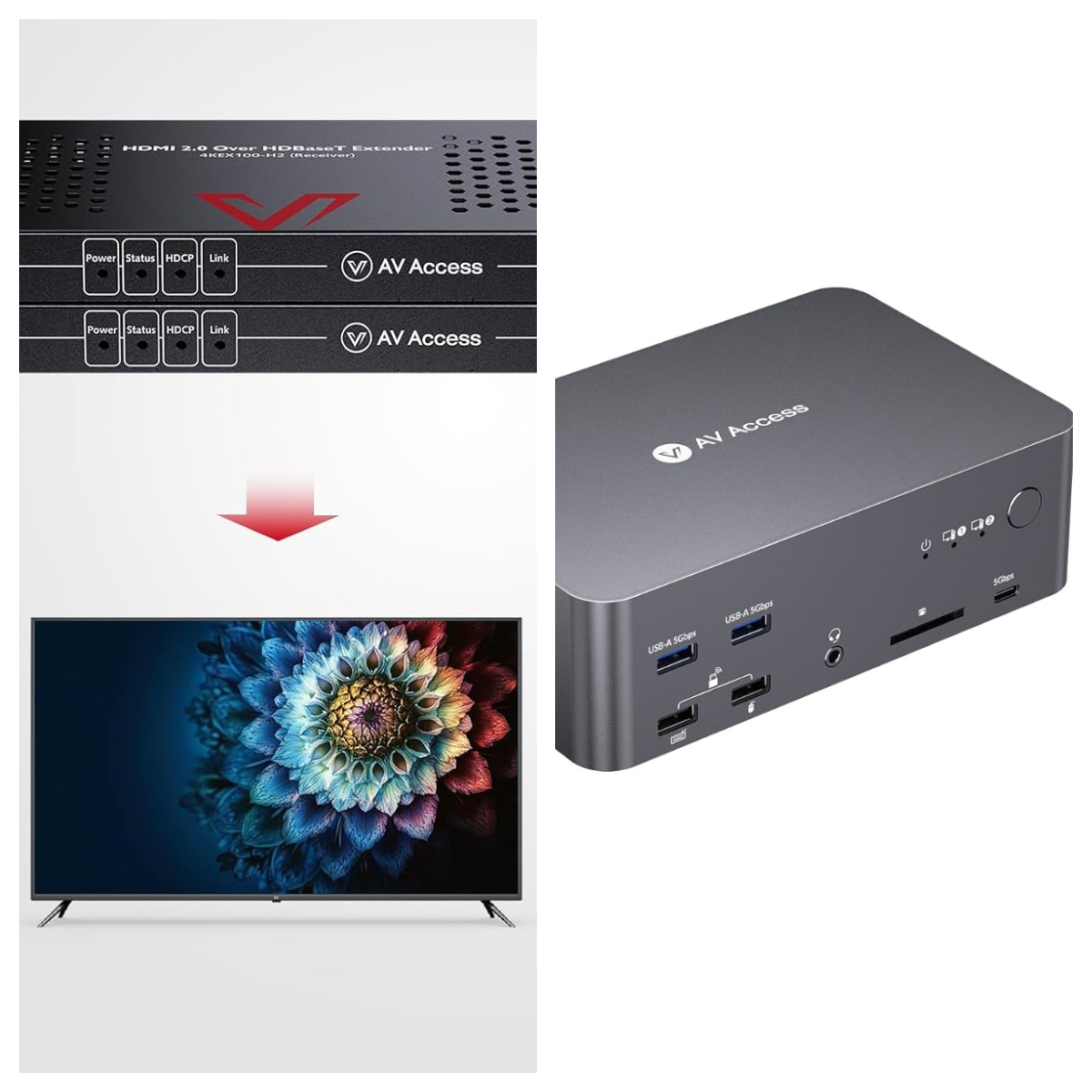
AV Access focuses on audiovisual connectivity products designed around practical problems that many home users, gamers, professionals, and businesses encounter. Its range includes KVM switches, KVM extenders, HDMI switches, docking stations, and other connectivity solutions. The company’s current product lineup includes everything from 1080p extenders to advanced HDMI 2.1 KVM hardware capable of supporting very high resolutions and refresh rates.
Is AV Access Worth Buying?

For shoppers who need specialized AV connectivity equipment, AV Access is worth considering. The brand’s biggest strength is that its products address specific technical requirements rather than simply offering generic cables or basic adapters. If you are trying to control two computers with one keyboard and mouse, operate a remote PC from another room, share peripherals between systems, or maintain high-resolution video at high refresh rates, AV Access has products specifically designed around those use cases.

One of the clearest examples is the company’s KVM lineup. AV Access offers KVM switches that allow users to control multiple computers with a shared monitor and set of USB peripherals. Its 8KSW21-KVM, for example, supports HDMI 2.1, USB 3.0, high refresh rates, HDR-related features, and resolutions up to 8K and beyond under specified conditions. The device can also share USB peripherals between two computers and offers front-panel and keyboard-hotkey switching.

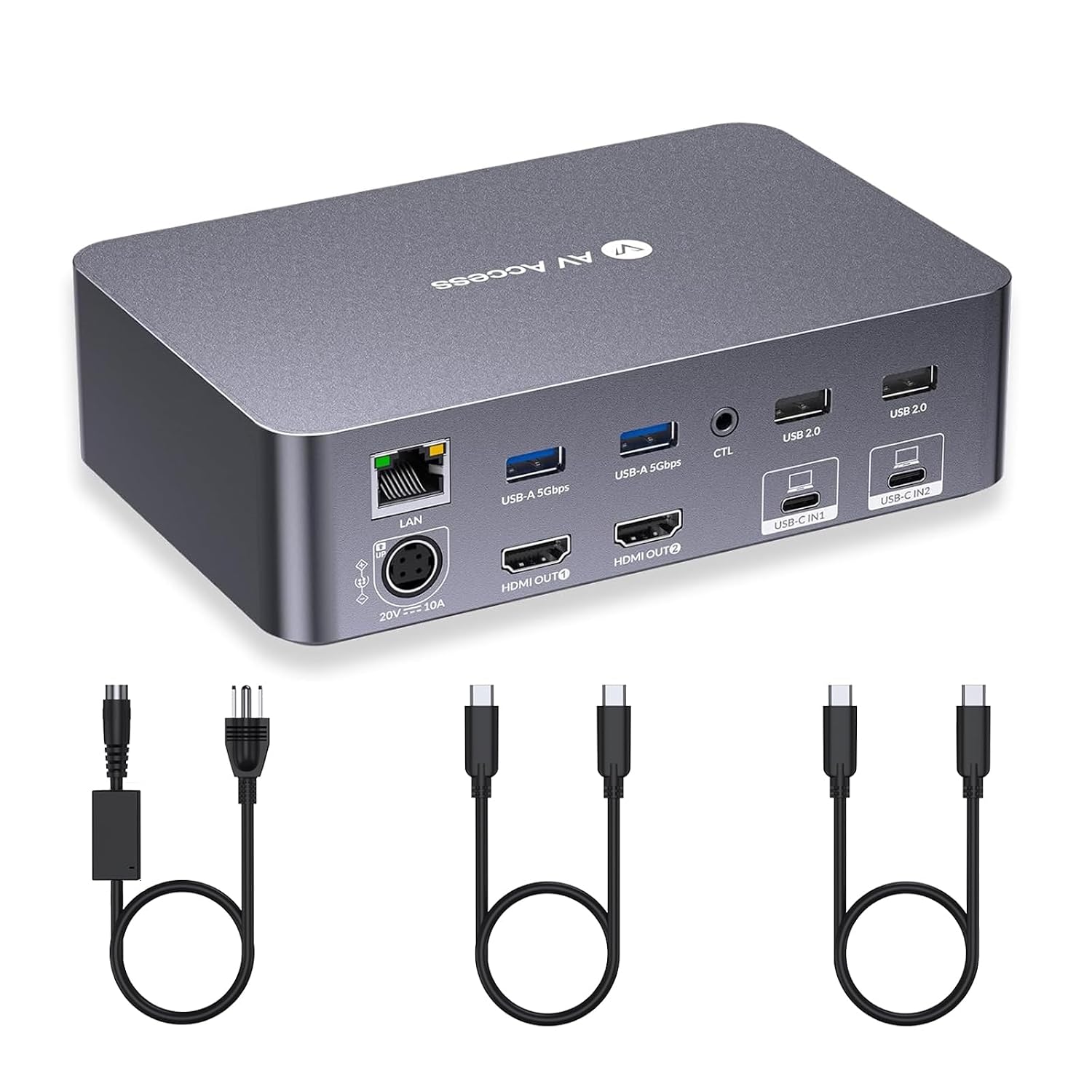
This is particularly useful for people who maintain two different computers at the same desk. Instead of keeping separate keyboards, mice, webcams, and other peripherals for every machine, a KVM switch can simplify the workstation by allowing those accessories to be shared. AV Access’s support documentation specifically positions its KVM switches and docking stations as solutions for users who regularly switch between computers, including hybrid work and gaming environments.

How does AV Access compare to competitors?

AV Access operates in a competitive market that includes established connectivity brands, professional AV manufacturers, gaming-focused companies, and numerous lower-cost Amazon sellers. Compared with generic HDMI and USB accessory brands, AV Access differentiates itself through a stronger emphasis on KVM technology, signal extension, multi-monitor setups, and more specialized AV infrastructure.

The difference becomes especially noticeable when comparing basic HDMI switches with more advanced KVM hardware. A basic switch may simply allow a user to select between multiple HDMI sources. AV Access’s more advanced KVM products combine video switching with USB connectivity, allowing users to share keyboards, mice, webcams, controllers, and other peripherals between computers. Its 8KSW21-KVM, for example, includes four USB 3.0 ports and supports high refresh rates intended for both gaming and demanding workstation applications.

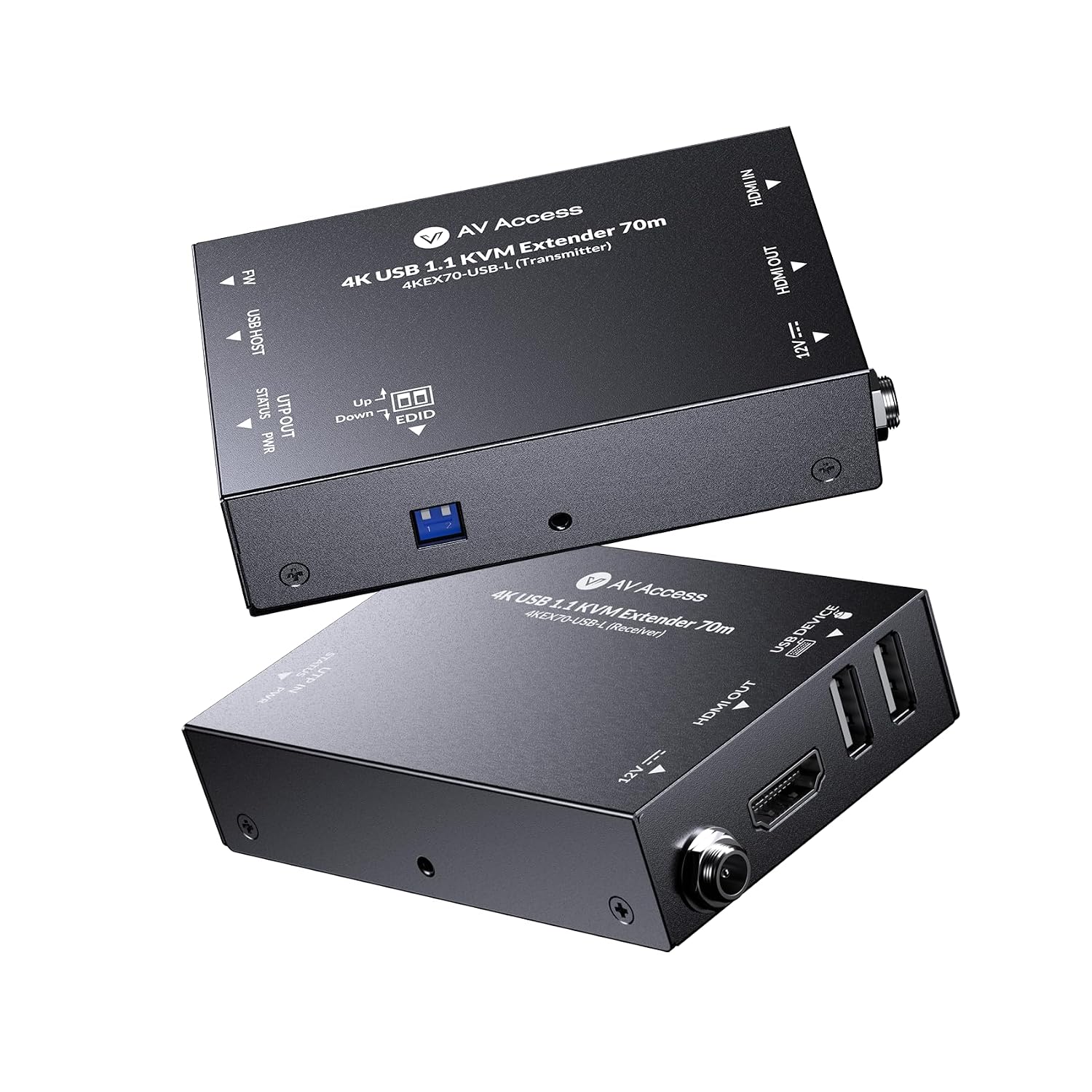
AV Access also competes differently from brands that concentrate almost exclusively on consumer desktop accessories. Its KVM extenders are designed for much longer distances, including models supporting 80-meter and 100-meter transmission ranges. Some incorporate features such as Power over Cable, RS-232, IR pass-through, EDID management, and USB extension, depending on the model.
Pros and Cons of AV Access

Here are its major strengths and what to watch out for.

Pros

  • AV Access offers a broad selection of specialized connectivity products, particularly KVM switches, KVM extenders, docking stations, and related AV equipment. This gives shoppers multiple options depending on whether their priority is workstation management, gaming, signal extension, or multi-device connectivity.
  • The brand supports modern performance requirements on several of its newer products. Depending on the model, shoppers can find support for 4K and 8K video, high refresh rates, HDMI 2.1, USB 3.0, HDR features, and other technologies aimed at demanding gaming and workstation environments.
  • AV Access products can solve complicated connectivity problems in a relatively straightforward package. Features such as plug-and-play installation, EDID management, USB extension, Power over Cable, and hotkey switching can reduce the amount of manual configuration required for compatible setups.

Cons / Considerations

  • The technical nature of AV Access products means buyers need to pay close attention to specifications. Resolution, refresh rate, HDMI generation, HDCP support, cable type, USB version, and compatibility can differ significantly between models, so choosing solely based on appearance or price can lead to disappointment.
  • Some AV Access products are designed for very specific applications, which means not every product will be useful to every shopper.
  • The product range includes both newer high-performance equipment and older-generation solutions with different limitations.

Three reasons to choose AV Access

  1. You need to simplify a multi-computer workstation. If you regularly move between a work laptop, desktop PC, gaming computer, or another system, an AV Access KVM can allow you to share a monitor and USB peripherals rather than maintaining completely separate setups. This can reduce desk clutter while making switching between systems much easier.
  2. You need to transmit video and USB over a long distance. AV Access offers several extender options for situations where the computer and display cannot conveniently sit next to one another. Depending on the model and cable used, the company offers solutions supporting transmission distances of 80 meters, 100 meters, and even longer IP-based configurations.
  3. You want modern video performance for gaming or professional work. Some of AV Access’s newer products are designed around high-resolution and high-refresh-rate environments. Its HDMI 2.1 KVM, for instance, supports configurations including 4K at 120Hz and 8K at 120Hz, with additional high-refresh-rate modes depending on resolution and system configuration.

Conclusion

Overall, AV Access is a strong option for shoppers who need more than basic connectivity accessories. The brand’s focus on KVM switches, signal extenders, docking solutions, and advanced HDMI equipment gives it a clear identity in the crowded electronics market. Its products can be particularly useful for gamers, remote workers, content creators, IT users, and anyone managing multiple computers or displays. The combination of advanced specifications and practical features makes AV Access worth exploring when a standard HDMI or USB accessory simply cannot solve the problem.

If you are ready to improve your workstation, simplify a multi-PC gaming setup, or extend video and USB connections across a room, visit AV Access on Amazon and explore the available products. Before purchasing, compare the exact specifications with your equipment, paying particular attention to resolution, refresh rate, ports, cable requirements, and compatibility. Once you find the model that matches your setup, AV Access can be a practical way to create a cleaner, more capable, and better-connected digital environment.