



























Home Accessories j5create Review: Smart Connectivity Solutions for a More Productive Digital Life

j5create Review: Smart Connectivity Solutions for a More Productive Digital Life

Modern technology makes it easier to work, create, communicate, and enjoy entertainment, but it can also create a frustrating problem: not having enough ports or the right connections for all your devices. Whether you’re setting up a home office, connecting multiple monitors, transferring files, or trying to get more functionality from a laptop, the right accessories can make a noticeable difference. This is where j5create comes into the picture, offering a broad selection of connectivity products designed to make everyday technology more convenient.

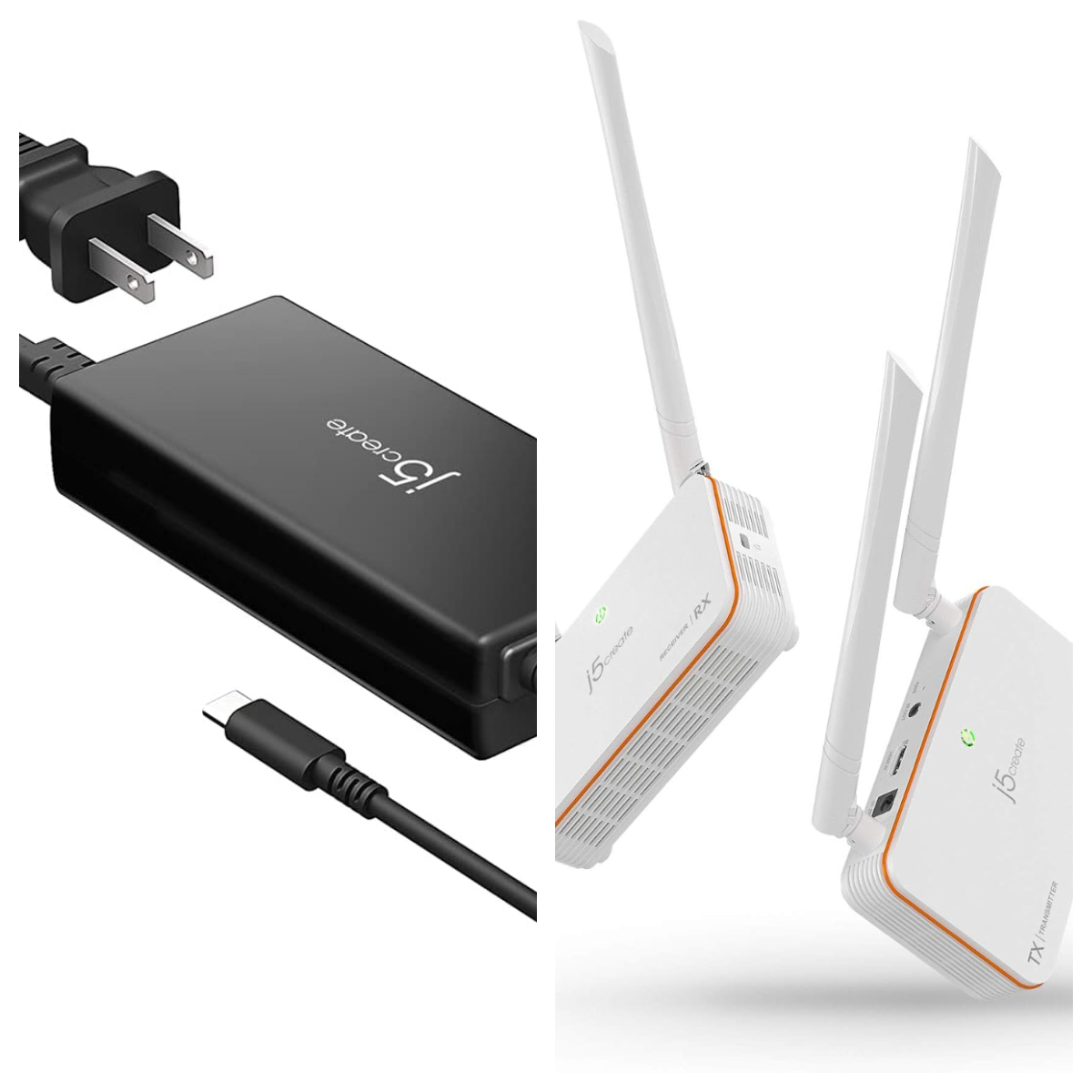
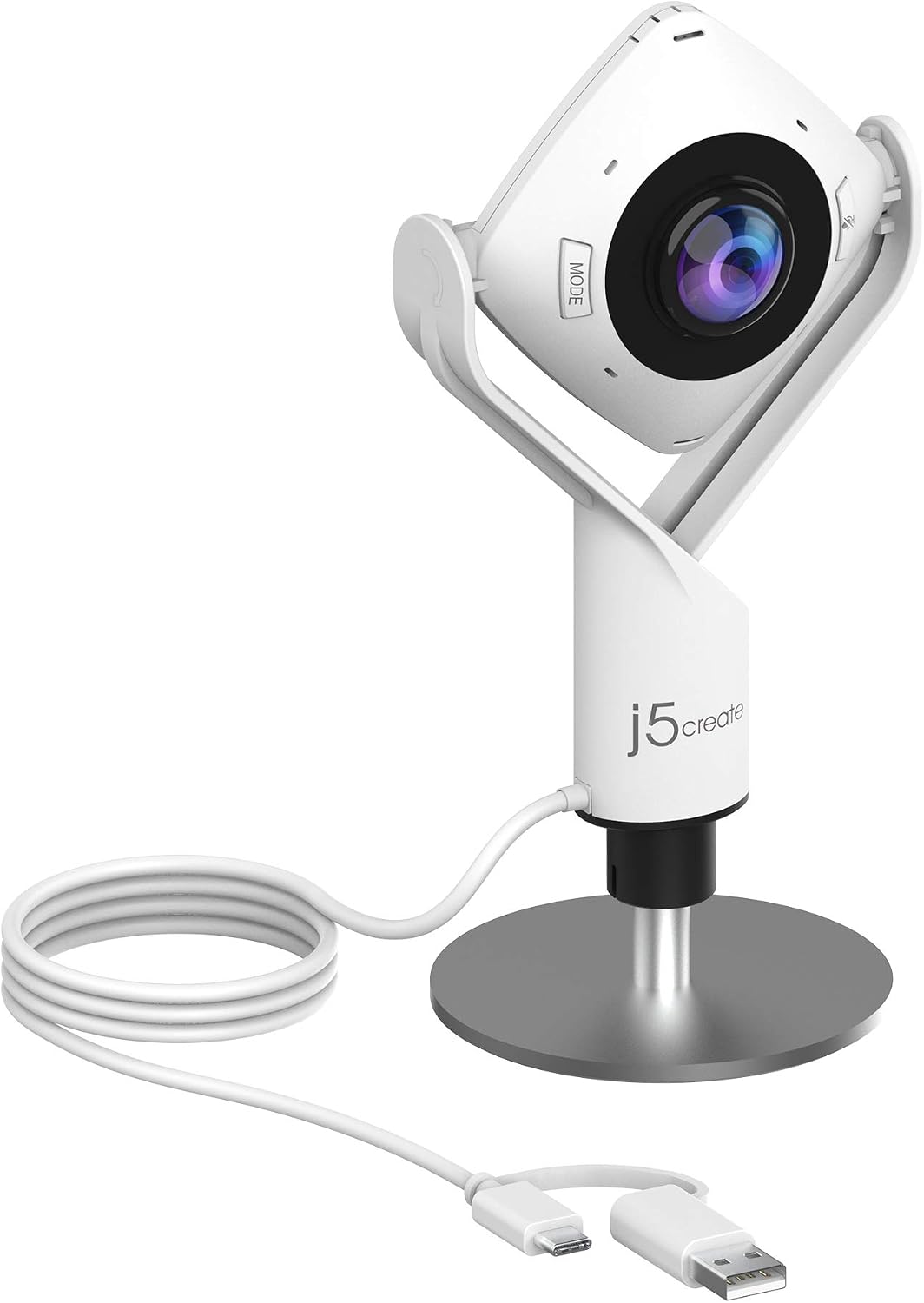
The j5create storefront focuses on practical computer accessories, including USB-C hubs, docking stations, display adapters, video capture devices, webcams, networking accessories, and other tools for modern workspaces. Its catalog includes compact travel adapters for people on the move as well as more advanced docking stations designed to support multi-monitor setups and desktop productivity. With products covering a range of connection types, display configurations, and price points, j5create aims to help customers get more out of the computers and devices they already own.
Is j5create Worth Buying?

j5create is worth considering for shoppers who need to expand their computer’s connectivity without replacing their existing equipment. Many modern laptops prioritize slim designs, which often means fewer built-in ports. A computer might have only a couple of USB-C connections, leaving users searching for a way to connect an external monitor, keyboard, mouse, flash drive, memory card, or wired internet connection. A suitable j5create hub or docking station can consolidate several of these connections into one convenient accessory, helping turn a portable laptop into a more capable workstation.

One of the brand’s strongest advantages is its range of products. Shoppers looking for a simple connection between a laptop and an external display can explore display adapters, while people who regularly connect several peripherals may benefit from a multiport hub. For a more permanent desk setup, j5create offers docking stations with features such as dual or triple display support, Ethernet, USB expansion, memory-card readers, and power delivery. Some products also support high-resolution displays, including 4K and 8K configurations, depending on the specific model. This variety allows customers to choose an accessory according to their actual workflow instead of paying for a large dock when a smaller adapter would do the job.

Another reason to consider j5create is the attention given to practical, everyday use cases. A student may want to connect an external monitor and a USB drive while studying at home. A remote worker may need Ethernet for a wired network connection and several ports for desk accessories. A content creator may need to connect cameras, storage devices, or video equipment. A business user working with multiple displays may benefit from a docking station that reduces the number of cables that need to be connected and disconnected throughout the day. Because j5create offers products for different connection needs, it can be relevant to a broad range of users rather than only to one narrow category of computer enthusiasts.

How does j5create compare to competitors?

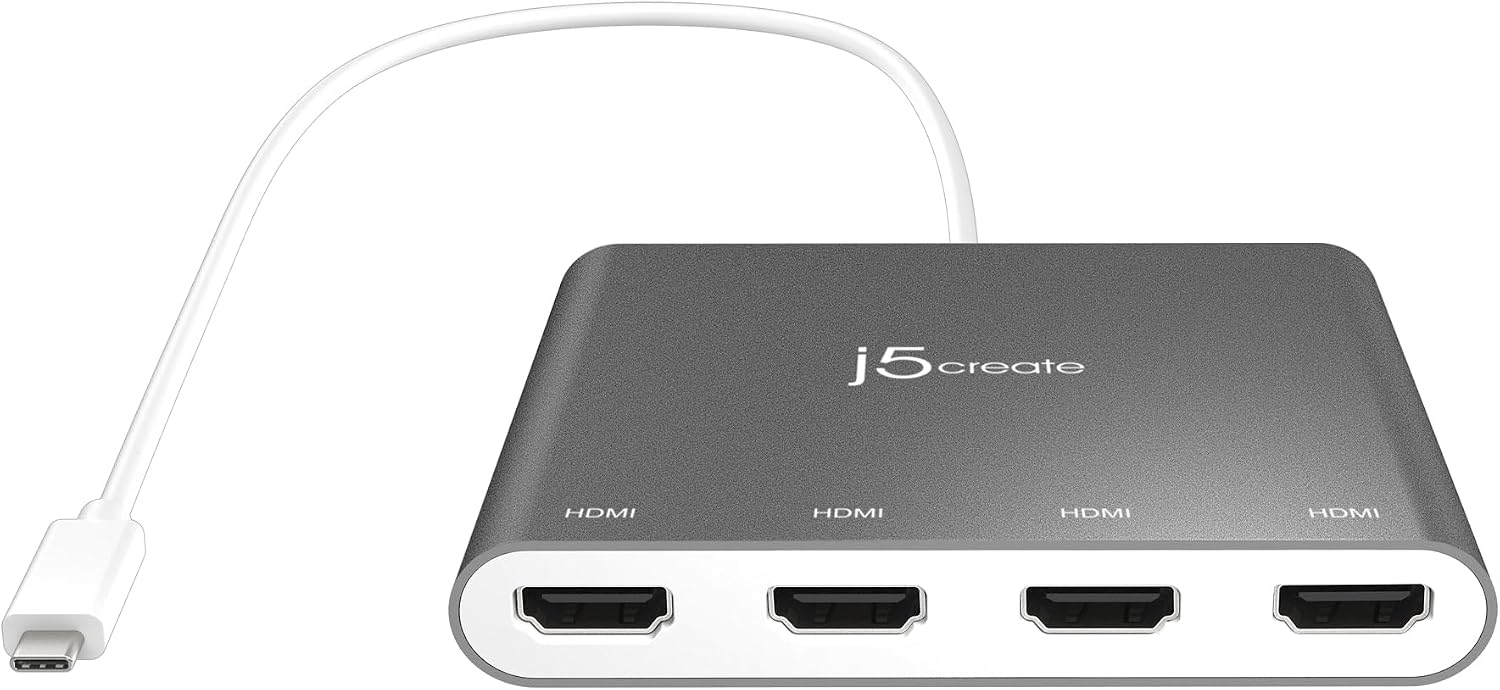
When comparing j5create with brands such as Anker, UGREEN, Plugable, and Belkin, the most important differences come down to product variety, connectivity features, compatibility, and overall value. All these brands offer accessories designed to make computers more versatile, but they approach the market with different strengths. j5create distinguishes itself through a broad selection of docking stations, display adapters, USB hubs, and specialized accessories, making it a useful brand for shoppers who want to explore different connectivity solutions within a single product ecosystem. Its catalog includes docks supporting multiple external displays, compact travel adapters, and models with additional capabilities such as Ethernet, card readers, and SSD expansion.

Anker is a strong alternative for shoppers who prioritize charging accessories, portable hubs, and compact everyday technology. Its products may be especially attractive to people who want to combine charging and connectivity in a travel-friendly setup. UGREEN is another competitor worth considering, particularly for buyers seeking multiport USB-C hubs and docking stations that balance features with price. Plugable, meanwhile, is a relevant option for professionals who need specific multi-monitor configurations and detailed compatibility information. Its docking products often appeal to users who want to build a dependable home-office or business workstation. These competitors offer overlapping solutions, so the right choice depends on the exact model and the requirements of your devices rather than the brand name alone.

Where j5create can be especially appealing is its breadth of connection options. Someone who needs a straightforward USB-C hub can choose a compact accessory, while a user building a more elaborate desk setup can investigate docks designed for multiple monitors, power delivery, and a wider range of peripherals. Some models also address specific needs, such as adding an M.2 NVMe SSD enclosure to a docking station, which can be useful for creative professionals who work with large files and external storage. This flexibility makes j5create more than a brand for basic adapters; it offers products for a variety of workstation configurations.
Pros and Cons of j5create

Here are its major strengths and what to watch out for.

Pros

  • j5create offers a wide selection of connectivity accessories, allowing shoppers to find solutions for different devices and working environments. Its product range includes USB hubs, multiport adapters, docking stations, webcams, display adapters, networking accessories, and video capture products. This variety is a major advantage because customers can choose between a simple, portable solution and a more comprehensive workstation accessory without being limited to one type of product. Whether you’re a student, remote worker, office professional, or content creator, the range gives you several options to investigate.
  • Many j5create products combine several useful functions in a single accessory. Depending on the model, a dock may provide HDMI or DisplayPort outputs, USB connections, Ethernet, memory-card readers, and power delivery. This can help reduce desk clutter and make it easier to connect essential peripherals through one main connection to a compatible laptop. For users who regularly switch between working on the go and working at a desk, a compact hub or docking station can also make setup and pack-up more convenient.
  • The brand caters to a range of budgets and technical requirements. Its official catalog includes relatively affordable USB hubs and adapters as well as more advanced docks designed for high-resolution displays and demanding workstation setups. This range gives shoppers the opportunity to match their purchase to their actual needs instead of automatically investing in a premium docking station. The availability of product-specific support and driver downloads is another practical benefit for customers who need setup guidance or want to check compatibility before connecting their devices.

Cons / Considerations

  • The large number of products and technical specifications can make choosing the right accessory more complicated than expected. Two docking stations may look similar but differ in supported display resolutions, refresh rates, power delivery, USB transfer speeds, or operating-system requirements.
  • Compatibility is not universal across every laptop and operating system. A USB-C connector does not automatically guarantee video output, and the number of external monitors a computer can support may depend on its hardware and display technology.
  • Prices can become significant for advanced docking stations, particularly when buyers need high-resolution multi-monitor support, newer connection standards, or specialized features.

Three reasons to choose j5create

  1. If you’re looking to upgrade your workspace without replacing your laptop, j5create is worth exploring. A suitable hub or docking station can add the connections needed for external monitors, keyboards, mice, storage devices, wired networking, and other peripherals. This can make a laptop more practical for everyday productivity while preserving the portability that made it appealing in the first place. For remote workers, students, and professionals who move between different work environments, the right connectivity accessory can make a real difference in convenience.
  2. If you need a specific combination of ports or display connections, j5create’s extensive product selection gives you plenty of options to consider. Rather than settling for a generic adapter, you can investigate models with the precise features required for your setup, including dual-display support, higher-resolution output, power delivery, memory-card access, or additional storage capabilities. Reviewing the specifications carefully helps you choose a product that meets your current needs while leaving room for the way you work.
  3. If you want to keep your technology setup organized and efficient, j5create offers accessories that can help simplify the way your devices connect. A well-matched docking station can reduce the need to plug and unplug multiple cables every time you sit down to work, while a compact hub can make it easier to connect essential accessories when traveling. By choosing a product that suits your devices and daily routine, you can create a more convenient workspace without investing in an entirely new computer system.

Conclusion

j5create is a brand worth considering for shoppers who want to expand their computer’s capabilities through practical connectivity accessories. Its broad selection of USB hubs, adapters, docking stations, and specialized products gives customers several ways to improve a home office, support a multi-monitor setup, or make a laptop more useful while traveling. The brand’s main strengths are its product variety and the availability of solutions for different connectivity needs. However, the best experience depends on choosing the correct model, confirming compatibility, and weighing the price against the features you will genuinely use. Take time to compare specifications and verify what is included in the package before purchasing, especially if you have a demanding multi-monitor or charging setup.

If you’re ready to make your workspace more connected and efficient, visit the j5create storefront and explore its range of technology accessories. Start by identifying the connections you need, then browse the available hubs, adapters, and docking stations to find a product that fits your laptop and your budget. Whether you need a simple USB expansion hub or a feature-rich dock for a professional workstation, j5create offers a variety of options to consider. Visit the official j5create store to discover its current products, review compatibility details, and check the latest prices. Find the accessory that suits your setup and take the next step toward a more organized, productive digital workspace.